LaTeX, KaTeX, MathJax support
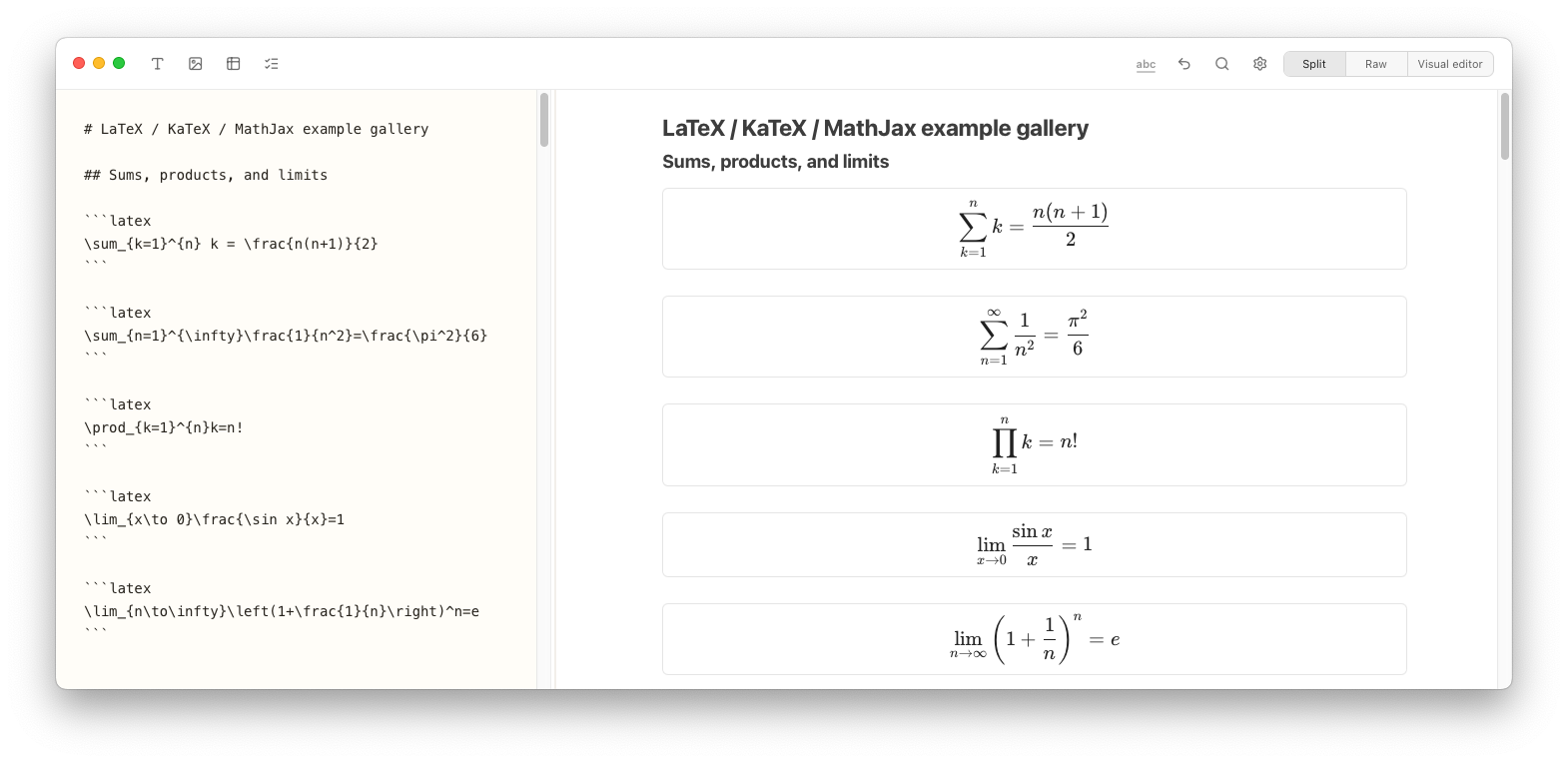
Notes Plus can handle many formats, rendering them instantly as you type. See many examples on the LaTeX demo page.
 EN
ENNotes Plus is my personal project to clone Apple Notes, make it work and look close to the original, use Markdown files instead of Apple's proprietary file format, and of course add awesome features like tags, priorities, favorites, a vertical Kanban view of your notes, syntax-highlighted code or diagram and graph data:
Notes Plus can display Excalidraw, LaTeX, KaTeX and MathJax, Inline math, AsciiMath, Mermaid diagrams, PlantUML, Graphviz / DOT, Vega-Lite, mhchem and proper footnotes / citations. Feel free to request features or report problems on the bugreport page.
Now new in v0.4: iCloud sync (on macOS) and full translation to 🇨🇳 simplified and 🇹🇼 traditional Chinese, German and Japanese!
It's tiny (9-12MB download) and available for macOS and Windows 10 / 11.
Versions for iOS and Linux are on the roadmap!
Early alpha · expect rough edges · Changelog & Roadmap · Old versions · Explore features
Notes Plus can handle many formats, rendering them instantly as you type. See many examples on the LaTeX demo page.
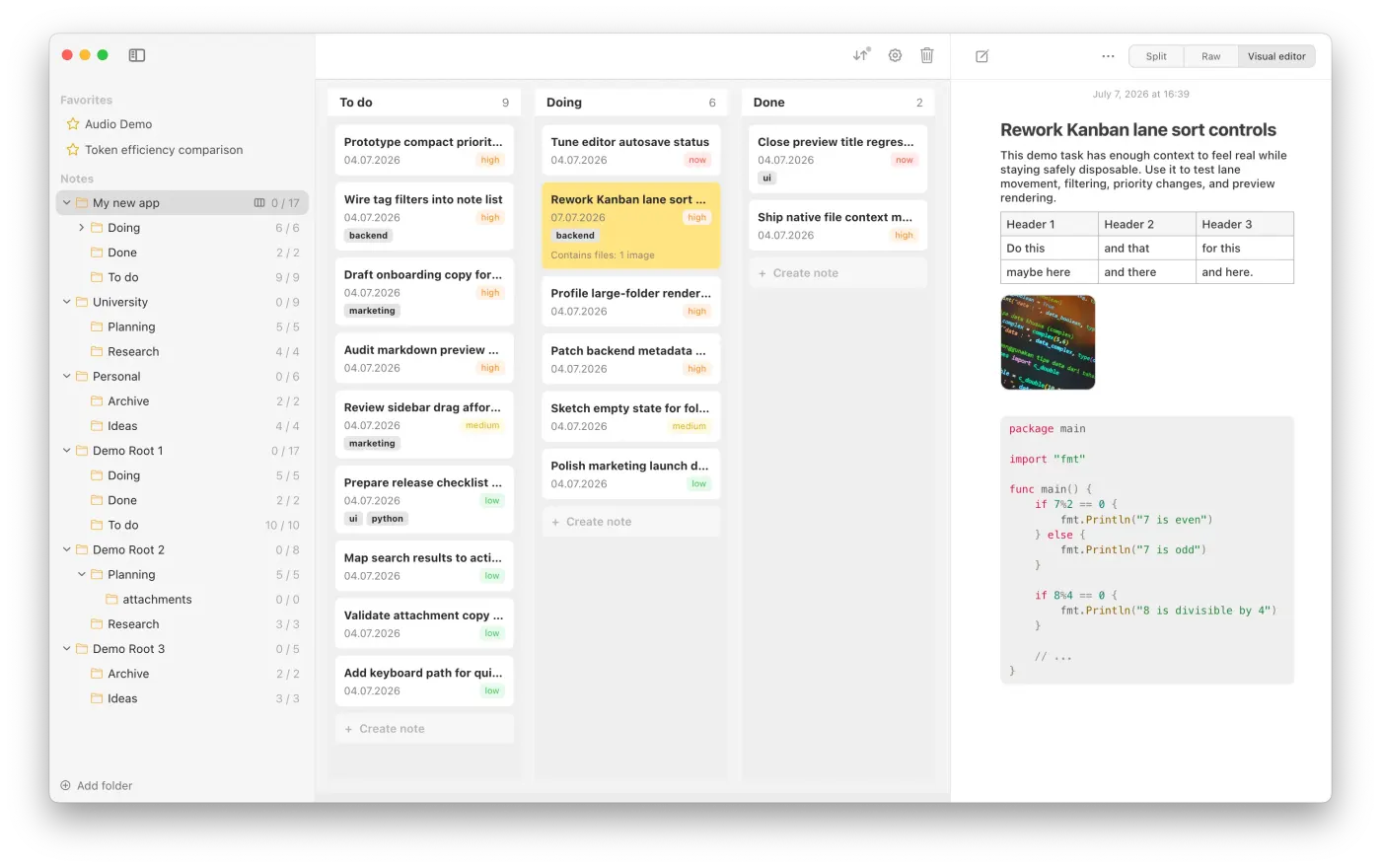
Turn your folders and Markdown notes into a swimlanes board.
Every ticket is still just a plain Markdown file on your disk.
Every lane is just the folder the note is inside.
Drag & drop tickets, rearrange lanes, add tags, priority. Filter, search and sort.
Edit tickets in a visual editor, as raw text or split screen.
Drag & drop images, files, audio.
See more...
MARKDOWN RENDERING
Different tools interpret Markdown differently. Notes Plus helps imported notes look right, with small controls for the details that matter.
Screen recording of Notes Plus toggling line-break settings so a Markdown note’s separate lines either run together or remain separate.
Screen recording of Notes Plus rendering typed Markdown headings in the visual editor.
COPY & PASTE
Bring your Apple Notes notes into Notes Plus with pretty fine formatting.
Works on most text formatting features, tables and even checkbox lists.
Work in progress! Apple's own format is hard to export, but we are getting close!
Screen recording of an Apple Notes note pasted into Notes Plus while retaining its heading, table, and explanatory text.
COPY & PASTE
Turn ChatGPT responses into useful notes in seconds.
Tables, headings, links, everything is kept in order.
Screen recording of a ChatGPT response copied into a Notes Plus Markdown note while retaining its heading, table, and formatting.
DOWNLOAD
After the stable release, Notes Plus will be available with a $19 one-time payment lifetime license.
free during alpha / beta testing · $19 lifetime license after stable release
PRIORITY
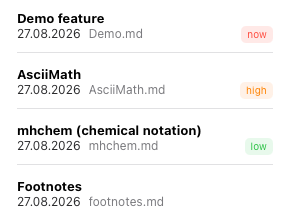
Use standard priorities (now, high, medium, low) or add custom ones.
Define custom colors.
Sort and filter folders by priority.

TAGS
Define tags and add them to your notes.
Sort folders by tags, filter by tags.