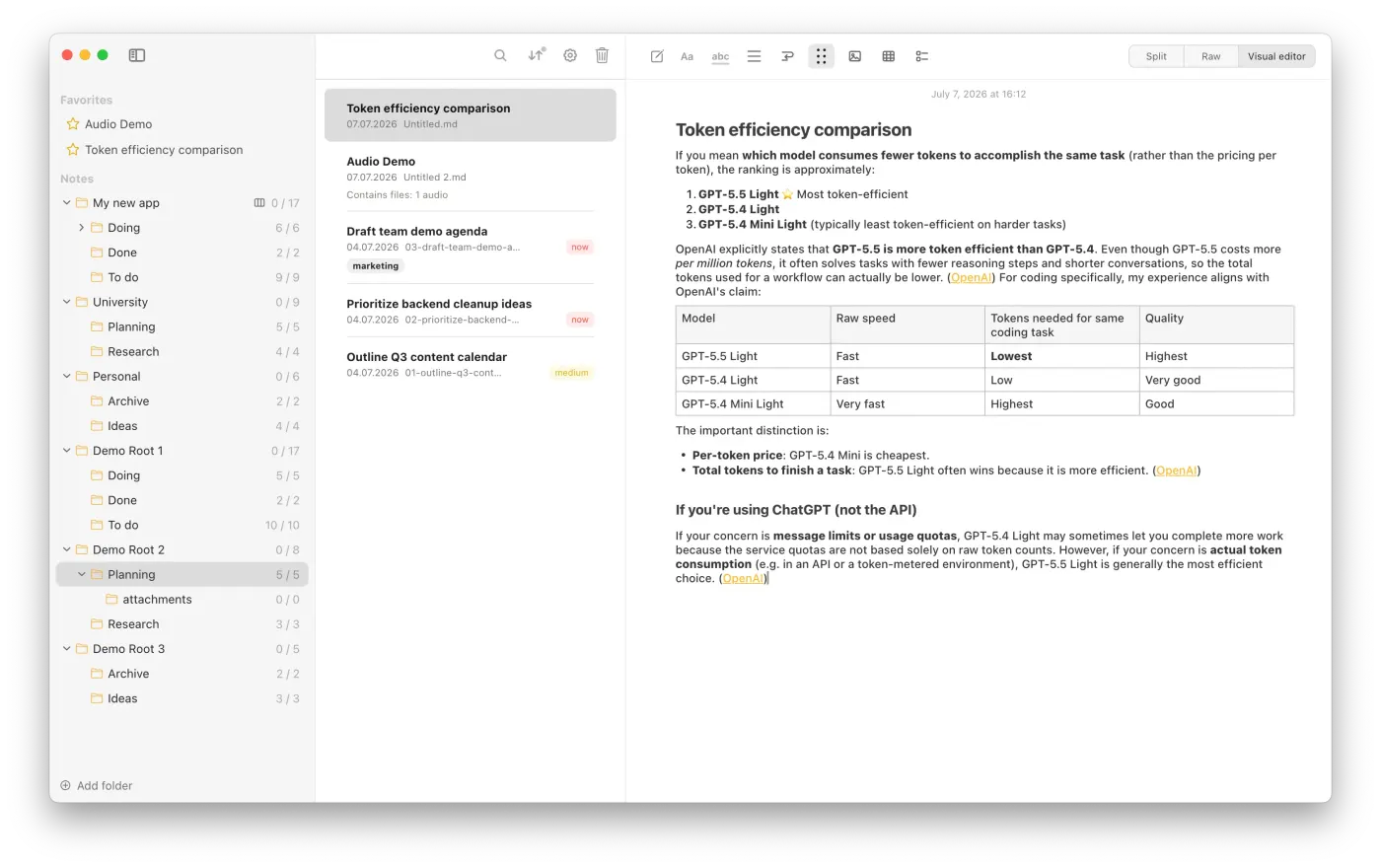
 EN
EN
EDITOR
Write your way, without leaving your note.
Switch between a visual editor, raw Markdown or a (near-) real-time split view.
Your notes always remain clean, portable Markdown files.
- Roadmap 2027: Versioning of files, folders and related assets
RAW + VISUAL EDITOR
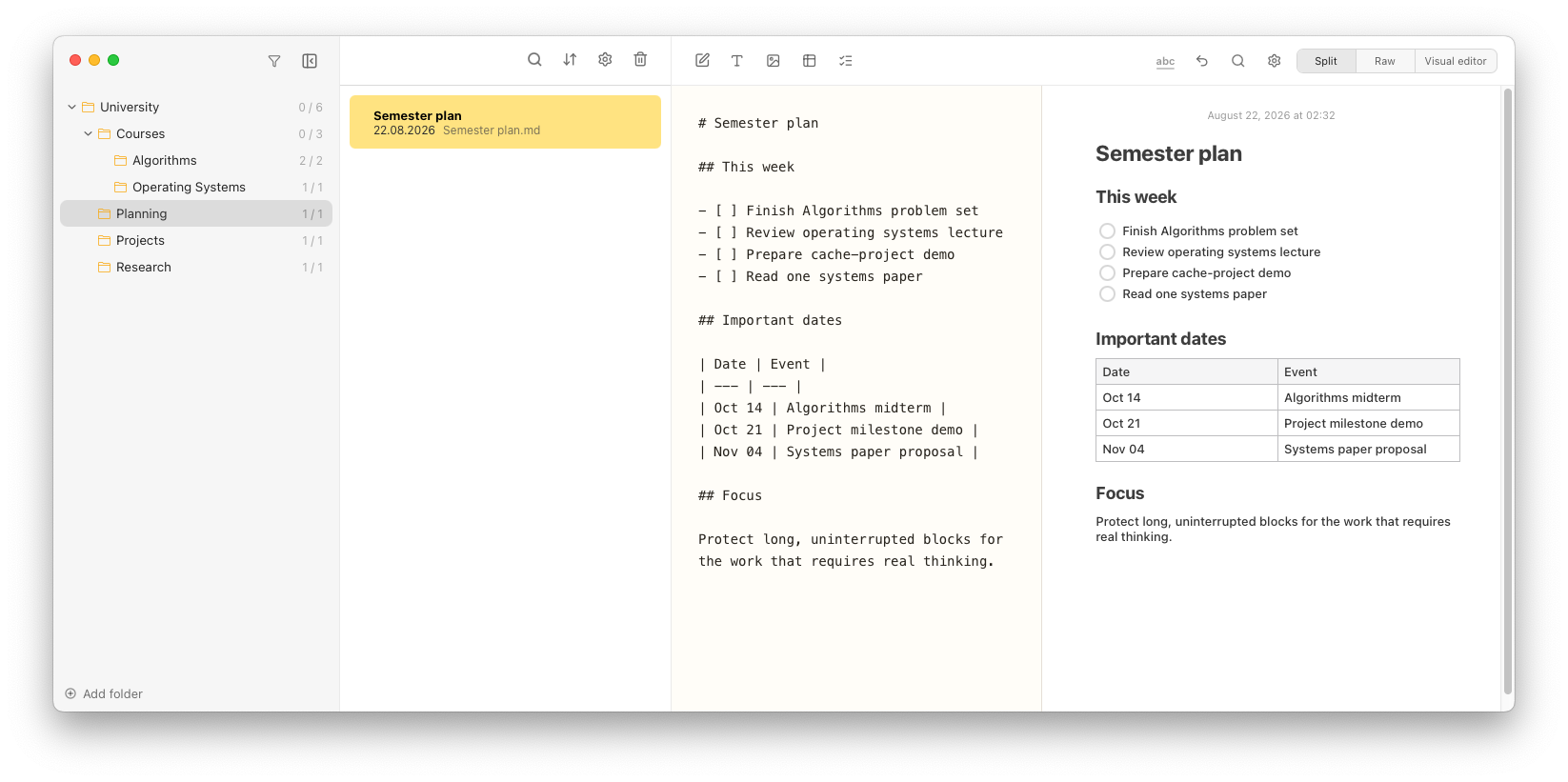
Editing in split-view
Keep the source and rendered note side by side. Both sides are syncing in near-realtime (not full real-time to keep performance excellent).
VISUAL EDITOR
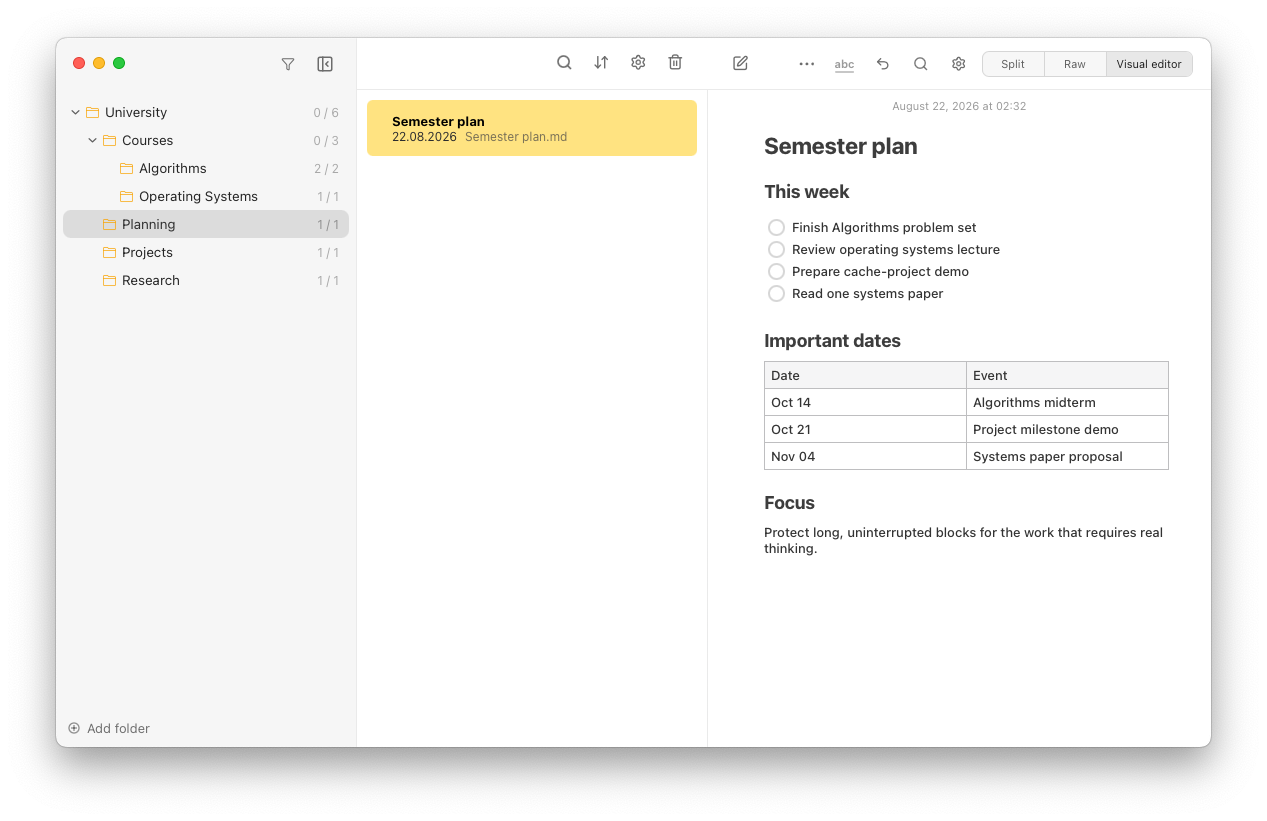
A familiar WYSIWYG editor for distraction-free notes.
Use the visual editor for a polished writing experience that feels clean and zen. WYSIWYG stands for "What you see is what you get", meaning you are working within the already formatted content. The opposite would be the raw editor, where bold text is displayed as **bold text**, not as actual bold text.
Press the / key to show a context menu, letting you add common Markdown elements quickly.
Mark text with mouse or keyboard to show another context menu, letting you format the selected text.
Copy & paste from ChatGPT and many other Markdown sources easily
Notes Plus tries to detect Markdown (even from non-Markdown sources!), giving you valid syntax and a (probably 😜) good-looking document.
Screenshot is from older version v0.2