
Back to homepage

INLINE MATH

Write math right where it belongs.

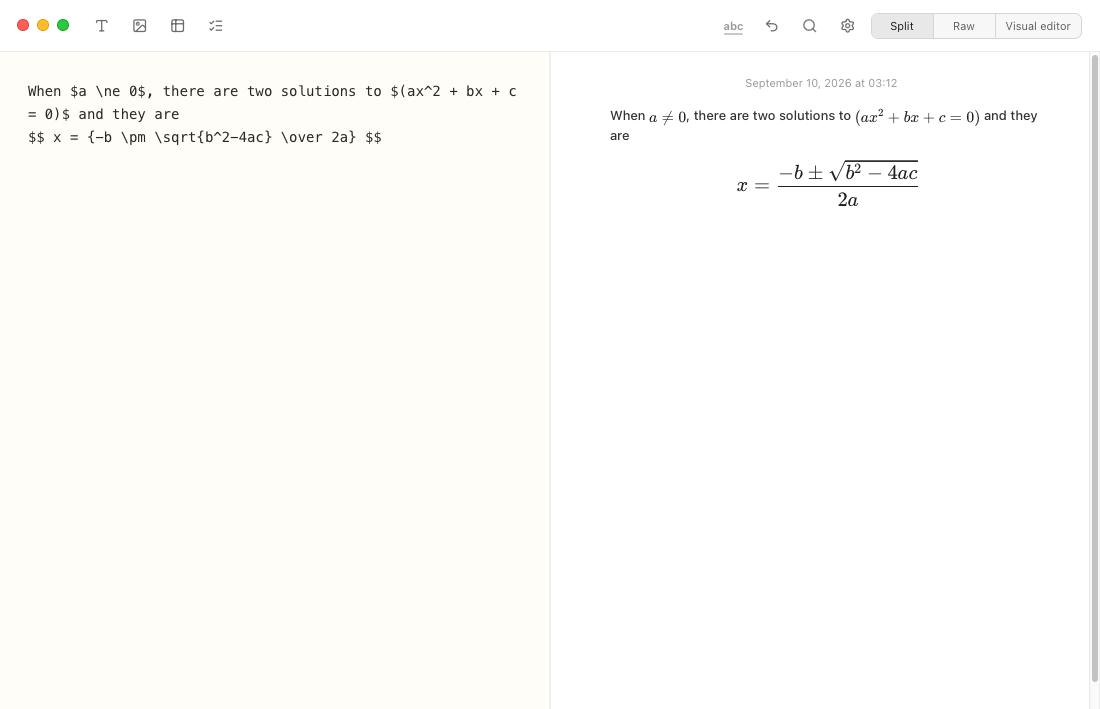
Notes Plus supports GitHub-style mathematical notation directly in Markdown. Write ordinary text as usual, then put a TeX/LaTeX expression between dollar signs. Visual mode renders the result; raw mode lets you view and edit the original Markdown.

Give longer equations their own space

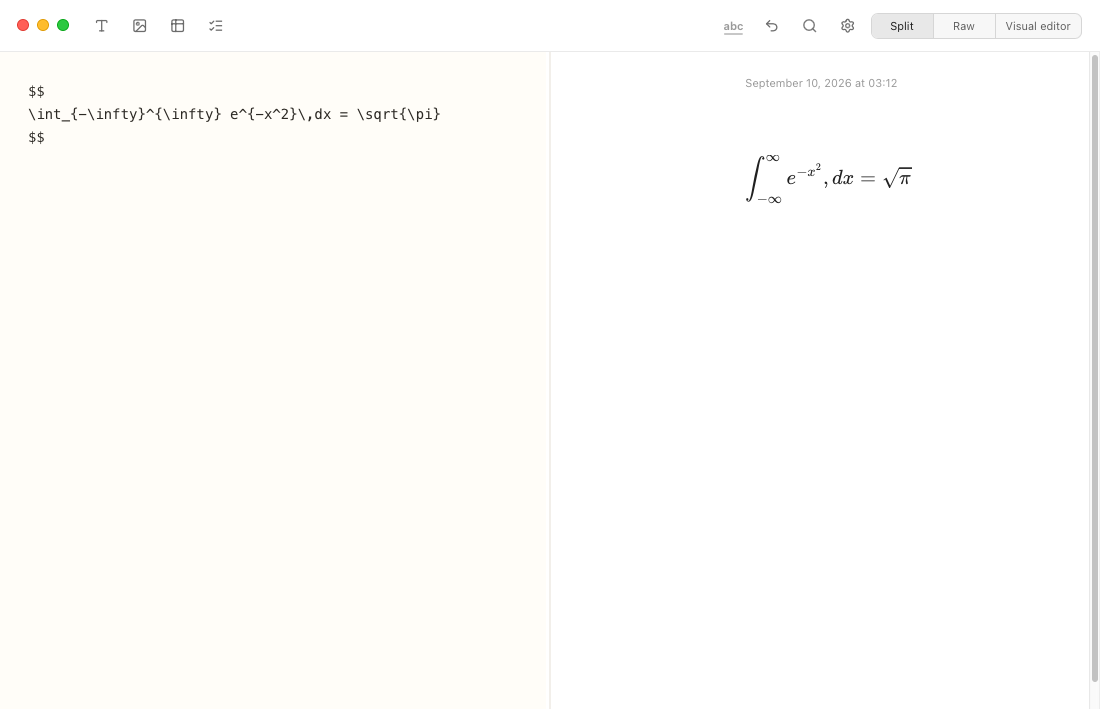
Place $$ before and after your LaTeX expression to create a display equation. Write integrals, fractions, roots, and more in the editor, then see the formatted result alongside your source in split view. Here, a Gaussian integral is rendered as a centered equation.

Display math in Notes Plus: LaTeX source between double dollar signs beside the rendered Gaussian integral equal to the square root of pi.

Useful LaTeX syntax

Combine Markdown text with TeX/LaTeX math syntax to write equations, fractions, roots, sums, matrices, and Greek letters. Notes Plus renders the math locally with KaTeX.

WriteMeaning
$x^2$x squared
$x_i$x with subscript i
$\frac{a}{b}$a divided by b, written as a fraction
$\sqrt{x}$The square root of x
$\alpha + \beta$The Greek letters alpha and beta, added together
$\sum_{i=1}^{n} i$The sum of i from 1 to n

Use braces when a superscript or subscript has more than one character: $x^{10}$ and $a_{total}$.

Tips for writing math

Use raw mode when writing or correcting your TeX source, visual mode for reading the rendered result, and split view to see both side by side.

Single dollar signs $...$ keep math inline; double dollar signs $$...$$ give larger equations their own space. These delimiters let you write GitHub-compatible Markdown math.

Existing fenced latex, tex, math, katex, and mathjax blocks still work. See more examples on the LaTeX page.

KaTeX supports most everyday LaTeX math, but it does not implement every full-LaTeX package or every MathJax extension.