 EN
EN
GRAPHVIZ / DOT DIAGRAMS
Map relationships, workflows, and systems with Graphviz / DOT.
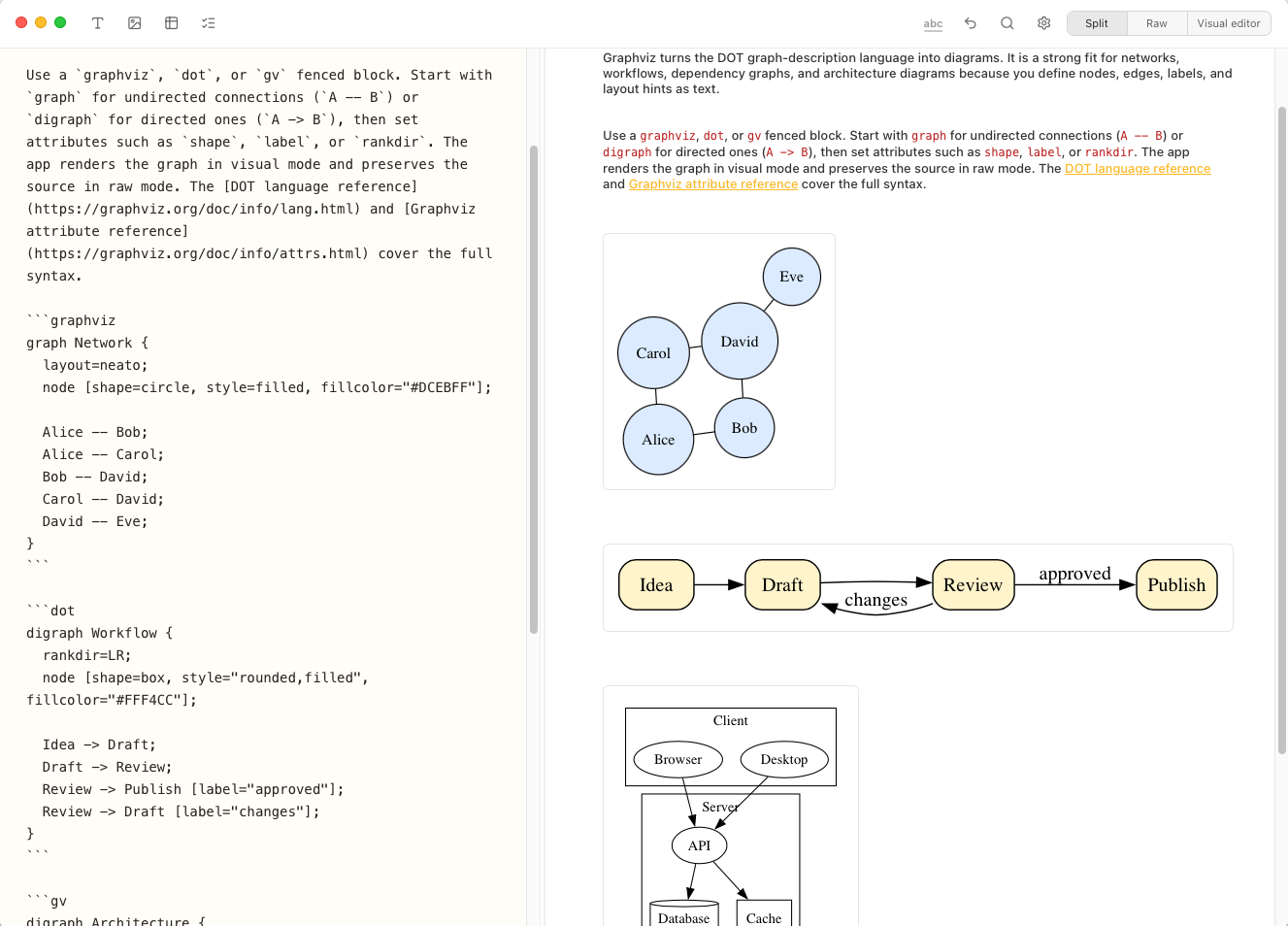
Write Graphviz in a fenced* Markdown block and Notes Plus turns it into a crisp diagram beside the source. Keep each graph readable as text, see the rendered result instantly without leaving the editor.
* Fenced means: Starting a code block with```graphviz to tell the app you are using Graphviz now.
- Roadmap 2027: Edit diagrams in visual editor (proper UI, mouse/keyboard/touch/pencil support)
- Roadmap 2027: Export diagrams to other diagram formats
- Roadmap 2027: Export diagrams to image / PDF
SOURCE AND PREVIEW
Write diagrams with just a few english words, directly inside your Markdown.
Use graph, digraph, or the graphviz, dot, and gv fenced block names. Nodes, edges, labels, and layout hints remain editable Markdown content while Notes Plus renders them visually.
See the official Graphviz / DOT documentation for syntax and examples.