 EN
EN
MARKDOWN, YOUR WAY
Gracefully handling different Markdown rendering styles.
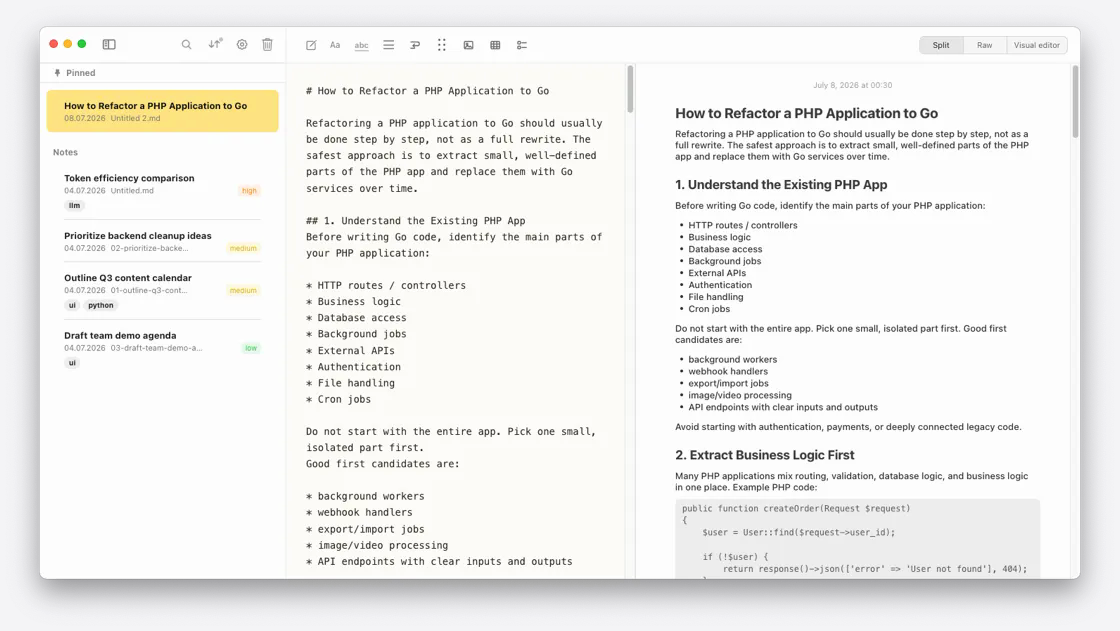
Markdown is a well-defined standard, but every tool renders it a little differently. Notes Plus gives you small controls to make imported notes look the way you expect.
LINE BREAKS
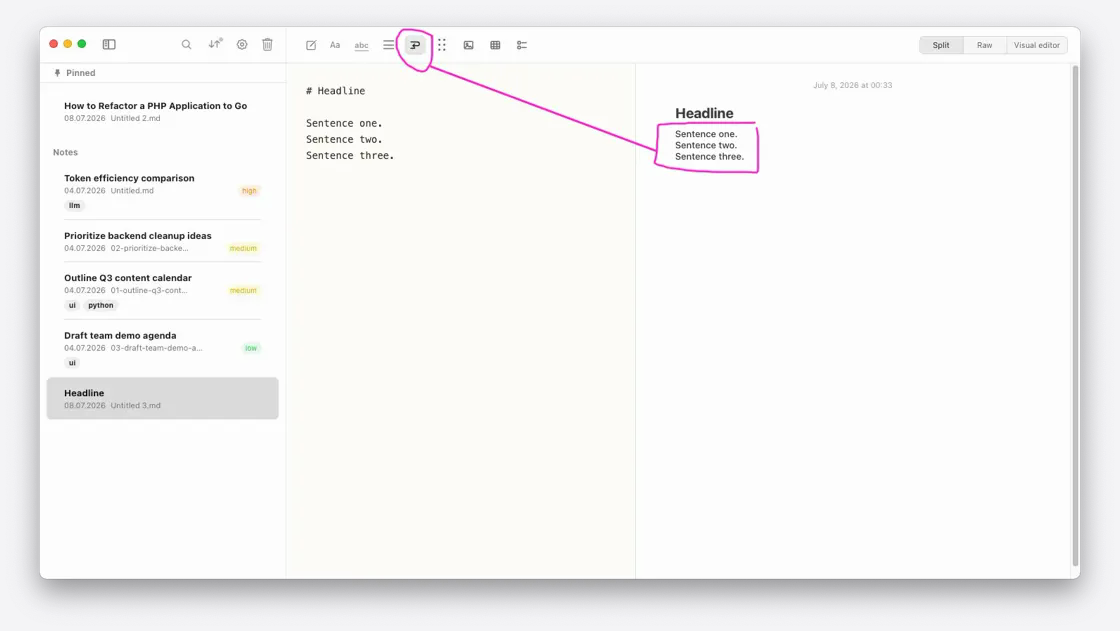
Choose how line breaks behave.
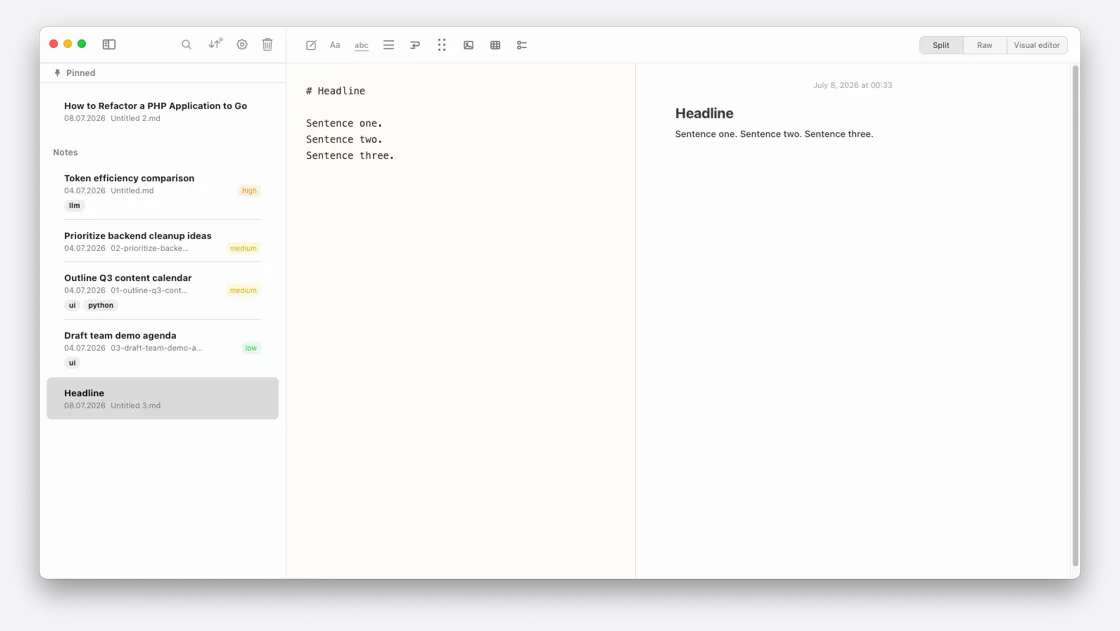
Off: Multiple lines of raw Markdown text render as one line—the standard Markdown behavior.
On: Those lines remain separate when rendered.
EMPTY LINES
Keep the space that matters.
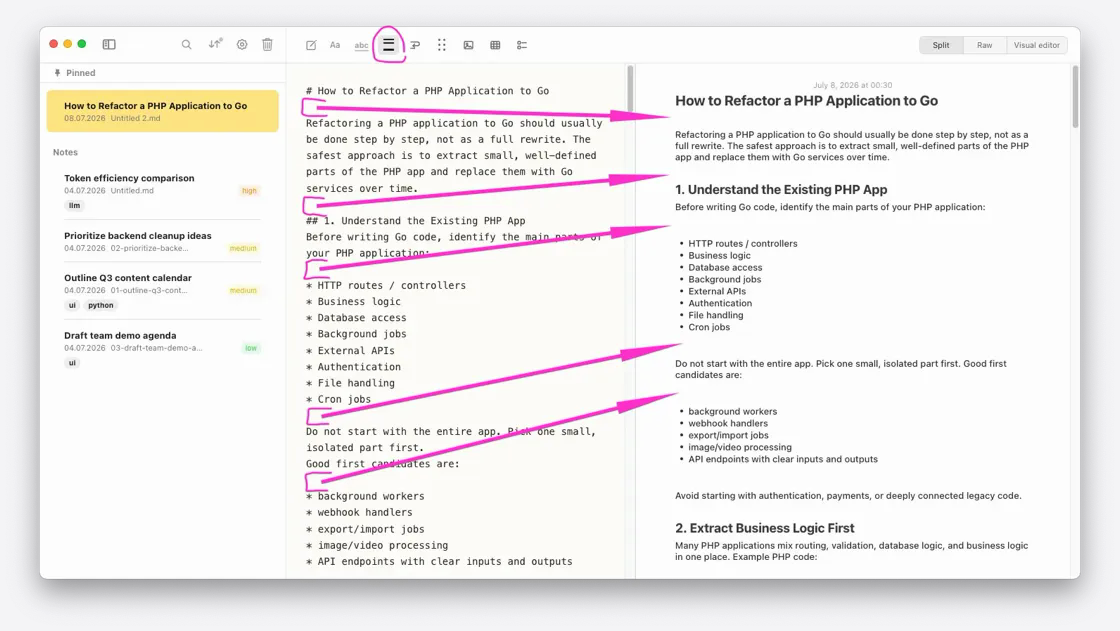
Off: Empty lines are ignored—the standard Markdown behavior.
On: Empty lines are rendered as actual space, adding one line-height between your thoughts.