 Notes Plus
Back to homepage
Notes Plus
Back to homepage
TUTORIAL
Line breaks in Markdown
According to the official Markdown standard a line-break is created by putting two or more spaces in the end of a line. See an example of how this works in the video below. This video is taken from Notes Plus, a Markdown editor for macOS and Windows.
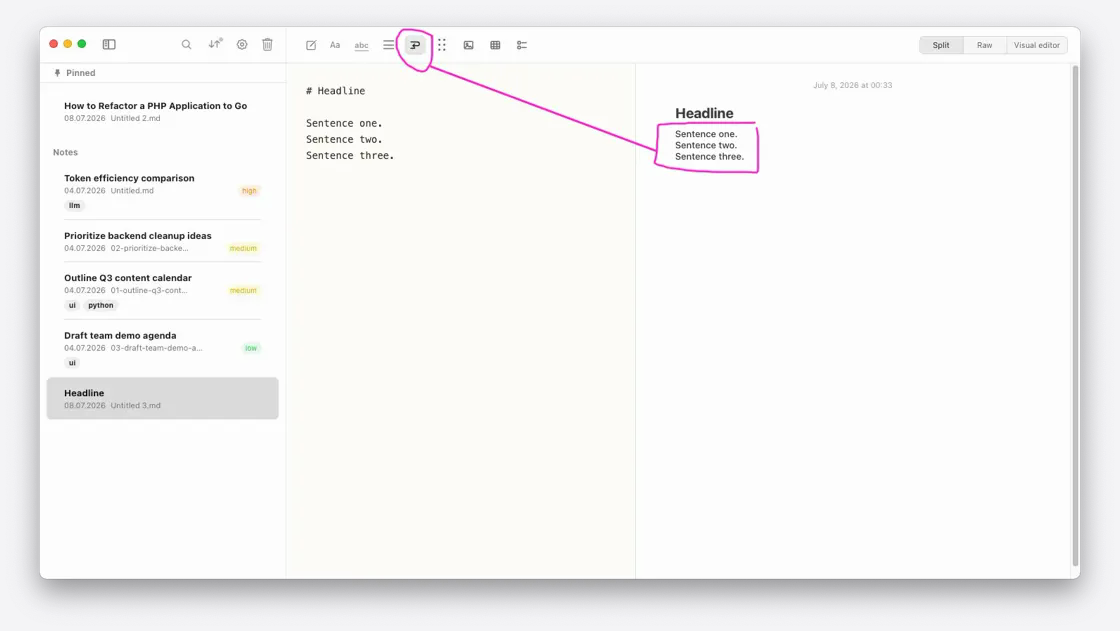
Notes Plus lets you select how to display line-breaks
In reality it's rare to see these 2 spaces in Markdown files, and it seems (at least to me) that most people
never heard of this syntax rule.
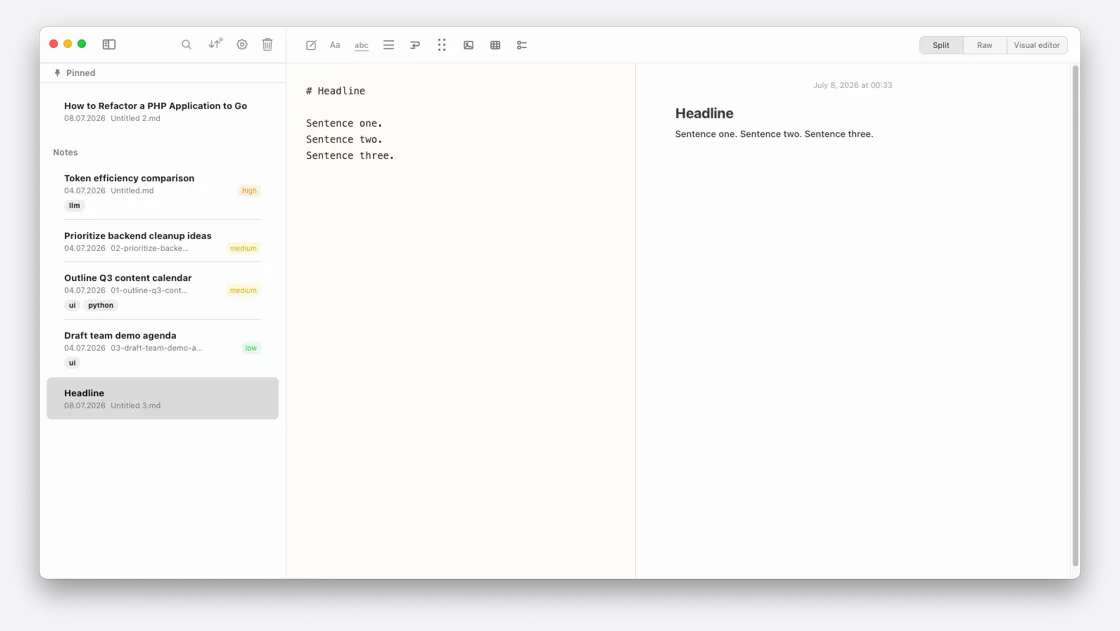
GitHub for example renders 3 actual lines as one line, while other editors
show 3 lines of text in 3 lines of text.
I found this really annoying, so Notes Plus lets you simply select
how to render line-breaks:
Off: Multiple lines of raw Markdown text render as one line—the standard Markdown behavior.
On: Those lines remain separate when rendered.